How to Structure a Python Project With pyproject.toml in 2026
A practical Python packaging guide: understand pyproject.toml, src layouts, build backends, dependencies, and a safe first package.
A Python script that works on your laptop is a good start. A Python project that another person can install, test and understand is a different achievement.
The difference often begins with structure. The Python Packaging User Guide recommends using pyproject.toml to describe modern Python projects. It separates project metadata from build-system configuration and allows tooling to share a predictable home.
You do not need to publish a library to benefit from this structure. It can make a student project, internal automation or small open-source tool easier to maintain.
What goes into pyproject.toml?
The Packaging User Guide describes three important TOML tables. [build-system] identifies the build backend and its dependencies. [project] stores metadata such as package name, version, supported Python versions and dependencies. [tool] holds configuration for specific tools when they support it.
| Section | Main job | Example content |
|---|---|---|
[build-system] |
How the project is built | Build backend and build requirements |
[project] |
What the project is | Name, version, description, dependencies |
[tool.*] |
Tool-specific settings | Linter, formatter or test configuration |
A backend is the tool that turns source code into a distributable package. It is not the same thing as pip, which typically installs packages.
Start with a small, boring layout
For a package named numbertools, a clear layout might look like this:
numbertools/
├── README.md
├── LICENSE
├── pyproject.toml
├── src/
│   └── numbertools/
│       ├── __init__.py
│       └── arithmetic.py
└── tests/
    └── test_arithmetic.py
The src/ layout makes the distinction between the project root and the importable package explicit. It is one useful convention, not the only valid project layout.
Here is an illustrative configuration using setuptools as the backend:
[build-system]
requires = ["setuptools>=61"]
build-backend = "setuptools.build_meta"

[project]
name = "numbertools-example"
version = "0.1.0"
description = "A tiny educational arithmetic package"
requires-python = ">=3.10"
dependencies = []
The distribution name on a package index can differ from the Python import name. Check that your chosen distribution name is available before attempting publication. This example is for learning and is not intended to claim ownership of any package name.
The development workflow that prevents confusion
First create a virtual environment. Install your project in editable mode from the project root using python -m pip install -e . in that environment. Then run tests with your chosen test runner. The editable installation allows code changes to be reflected without rebuilding for every edit, although changes to metadata or compiled components may require another installation step.
When you are ready to produce distributions, follow the Packaging User Guide's build instructions rather than manually zipping a directory and assuming it is installable. Before publishing anywhere, inspect the built wheel and source distribution. Check that the README, license and intended modules are present and that secrets and large local data files are absent.
Dependencies are part of your design
A common mistake is to add every library installed on a developer's computer to the project's dependencies. Runtime dependencies should reflect what the package actually needs. Development-only tools such as test runners or formatters can be managed separately according to the chosen tooling.
For applications, reproducible deployment may also require pinned or locked versions. For reusable libraries, overly restrictive pins can create unnecessary conflicts for downstream users. There is no universal dependency policy; document the reasoning.
What beginners should avoid
Do not copy an old setup.py tutorial without checking whether it reflects current packaging practices. Do not publish credentials, tokens or private datasets. Do not confuse the folder name, distribution name and import name. And do not treat a successful installation as proof that your package works: add tests for its behavior.
A weekend project
Turn one useful function into a package with two tests and a README. Install it in a fresh virtual environment. Ask a friend—or a second computer—to follow the instructions without your help. The errors they encounter are a better packaging lesson than memorizing configuration keys.
FAQ
Is pyproject.toml only for public libraries?
No. Private projects and applications can use it for consistent metadata and tool configuration.
Do I still need setup.py?
Many new projects do not. The exact answer depends on the chosen backend and any specialized build requirements.
Sources and further reading
- Python Packaging User Guide, writing pyproject.toml
- Python Packaging User Guide, packaging tutorials
Editorial notes
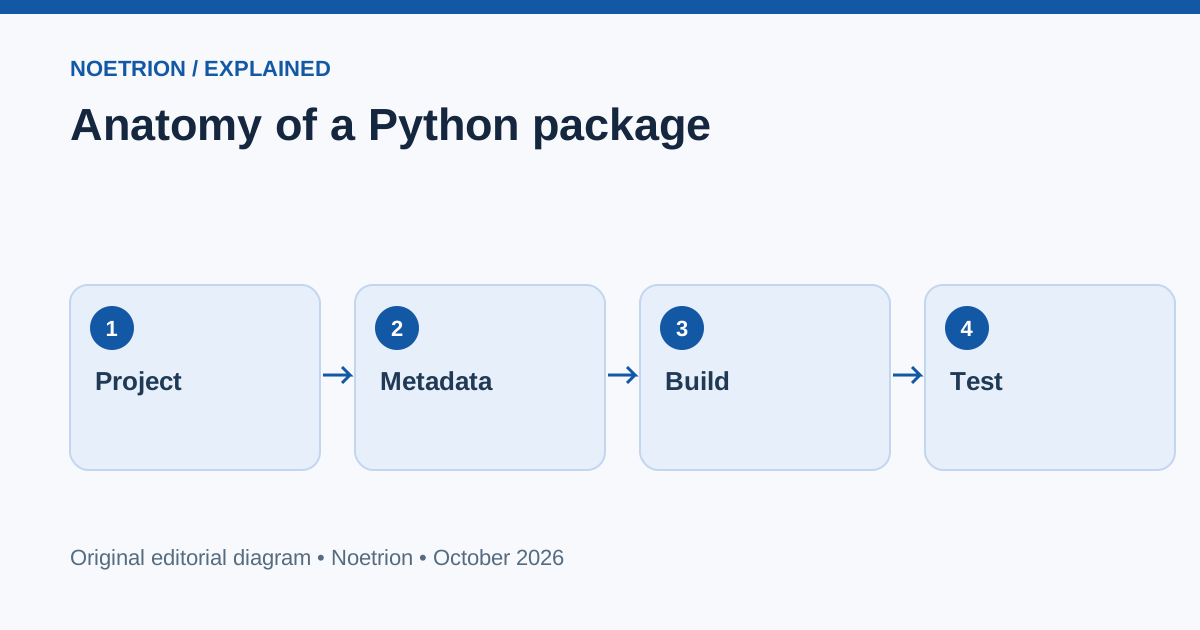
Visual: Anatomy of a Python package. Original vector file tree showing pyproject.toml, src package, tests and README.
Verification note: Facts were checked against the linked primary or specialist sources on 13 October 2026. Forecasts are labeled as forecasts, illustrative calculations as hypothetical, and the article does not constitute personalized legal, medical, or investment advice.